
Font Aesthetic Generator
Copy & Paste Stylish Text
Welcome to aesthetic font generator designed to give your social media profiles a unique look. This free tool lets you instantly create and copy and paste hundreds of stylish, cute, and cool fonts. Simply type your normal text into the box above, and we’ll generate dozens of unique styles. You can use in your bio, as a username, or for any post in any device of android, iPhone or desktop using social media.
How to Use Your Stylish Text (for Bio, Nicknames & More)
Our aesthetic font keyboard is designed to be fast and simple. No downloads or installations are required.. Just follow these three easy steps:


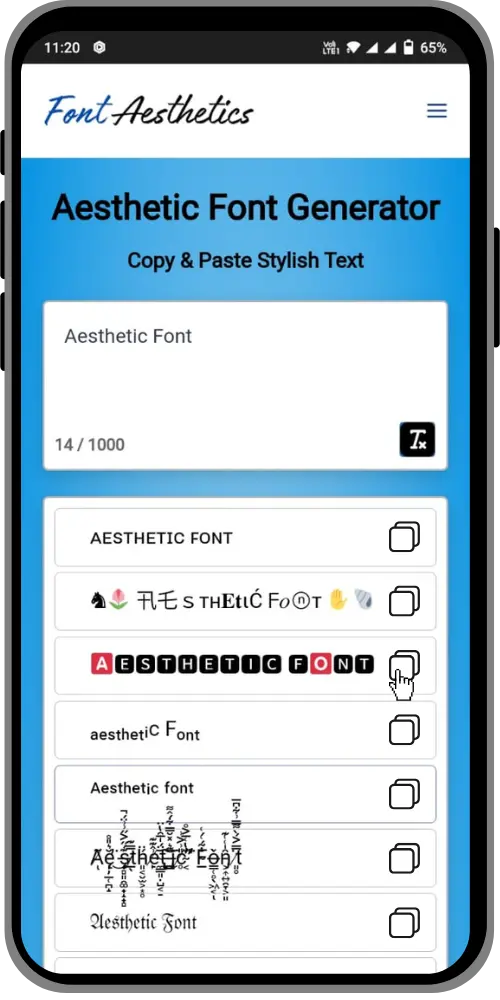
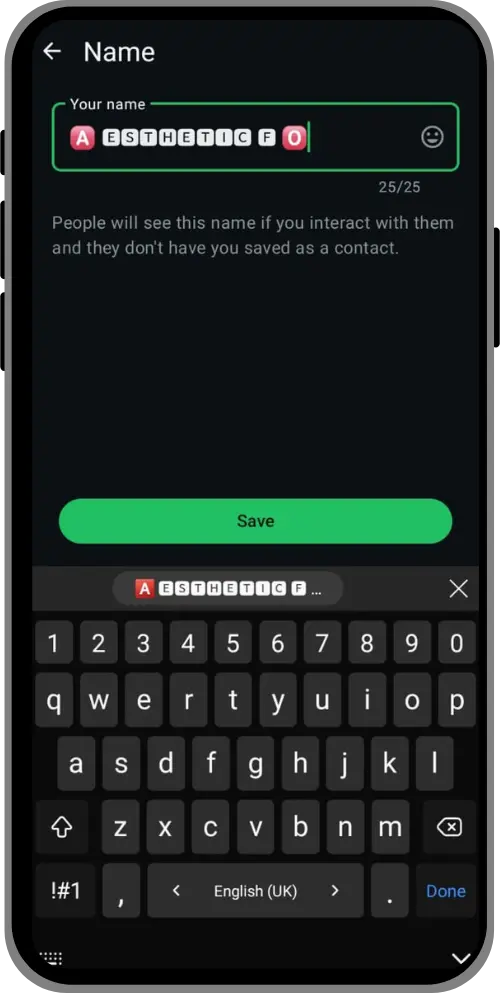
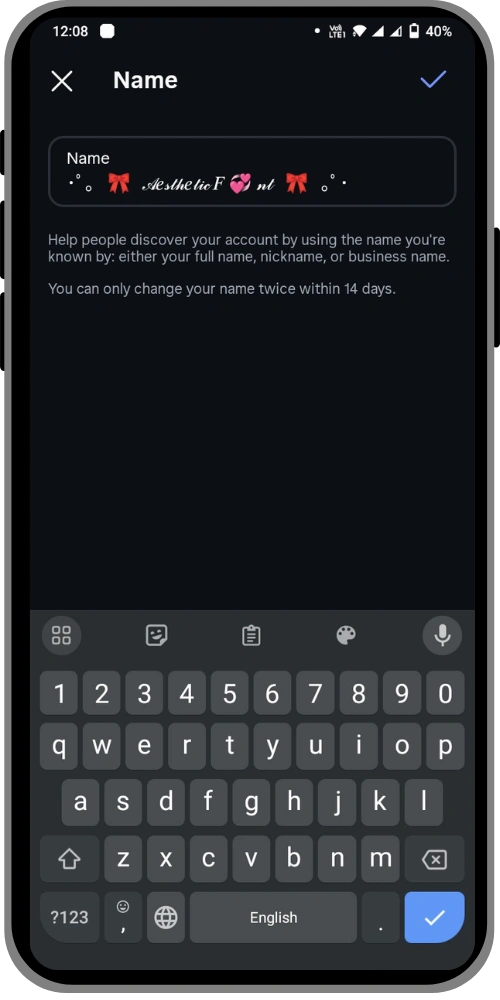
Make Your Instagram Bio Stand Out
Your Instagram bio is often the first impression you make. A unique font is the easiest way to show off your personality.
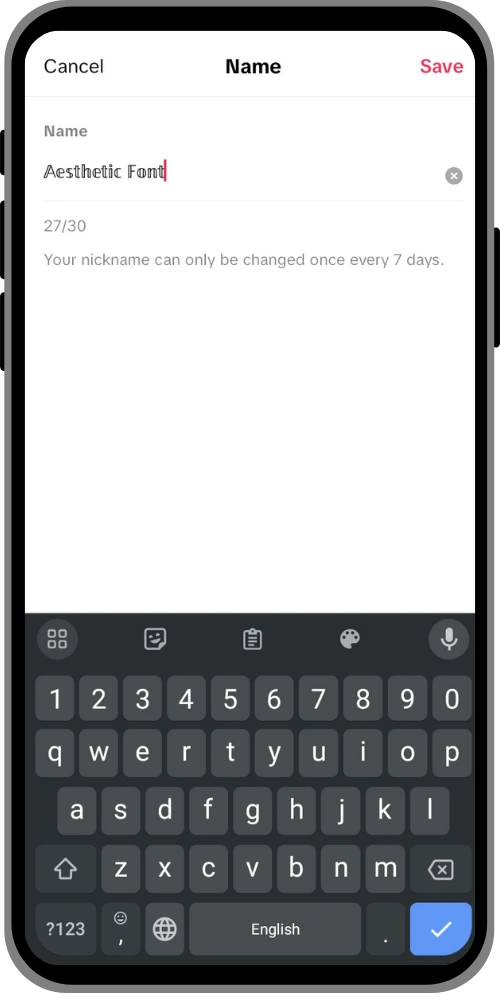
Create an Aesthetic TikTok Username or Nickname
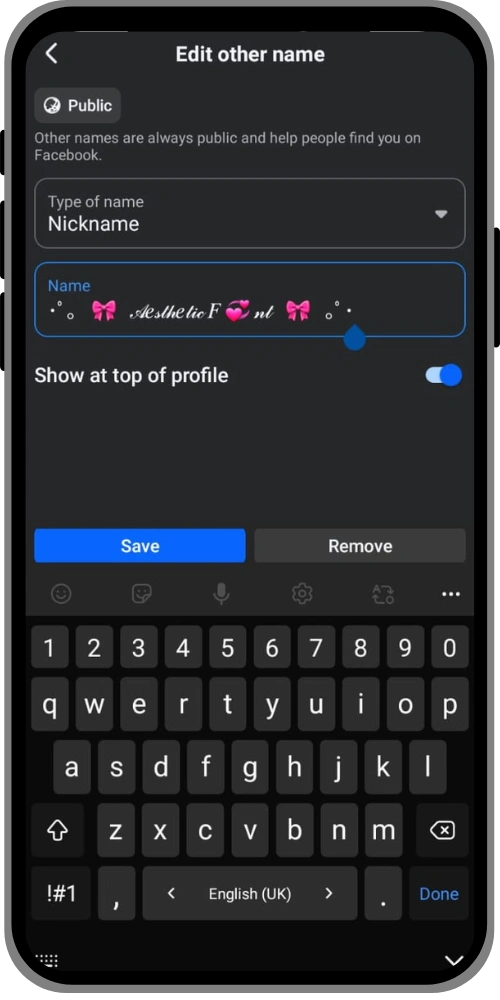
Tired of your boring default username? A unique font aesthetic username or nickname makes your profile unmissable and helps you build a brand. This works perfectly for:
Styling Your Twitter (X) & Facebook Posts
Your new aesthetic letters aren’t just for bios. Make your tweets, replies, and Facebook posts stand out from the crowd. Using a bold, italic, or cursive style for emphasis can make your content more engaging and shareable.
What Are Aesthetic Fonts and Why They Work
You may be curious whether these are actual fonts and how they function on platforms that don’t support font changes. This is the best part: what our aesthetic font generator creates isn’t technically a font.
It’s a clever trick using Unicode symbols.
The Secret: How Unicode Creates “Cool Letters” & “Symbols”
Think of Unicode as a giant, universal digital codebook for every character, symbol, and emoji on all computers and phones. Your normal keyboard only has keys for about 100 characters (A-Z, 0-9, etc.). But the Unicode standard has over 149,000! Many of these are mathematical symbols, symbols from other languages, and character variations that look just like different fonts.
Unicode Text vs. Installable Fonts (The Key Difference)
It’s important to understand the difference between these two types of “fonts.”
- Definition: A collection of symbols that resemble letters.
- Ideal for copying and pasting: Aesthetic text into social media bios, usernames, and posts.
- How to Use: Copy from our generator and paste anywhere.
- What it is: A real font file (like a .TTF or .OTF file).
- Best For: Graphic design. If you’re looking for a font aesthetic to use in Canva, Photoshop, or Microsoft Word for a logo or website design.
- How to Use: Download the font file and install it on your computer.
Copy & Paste Aesthetic Bio Templates & Nickname Ideas
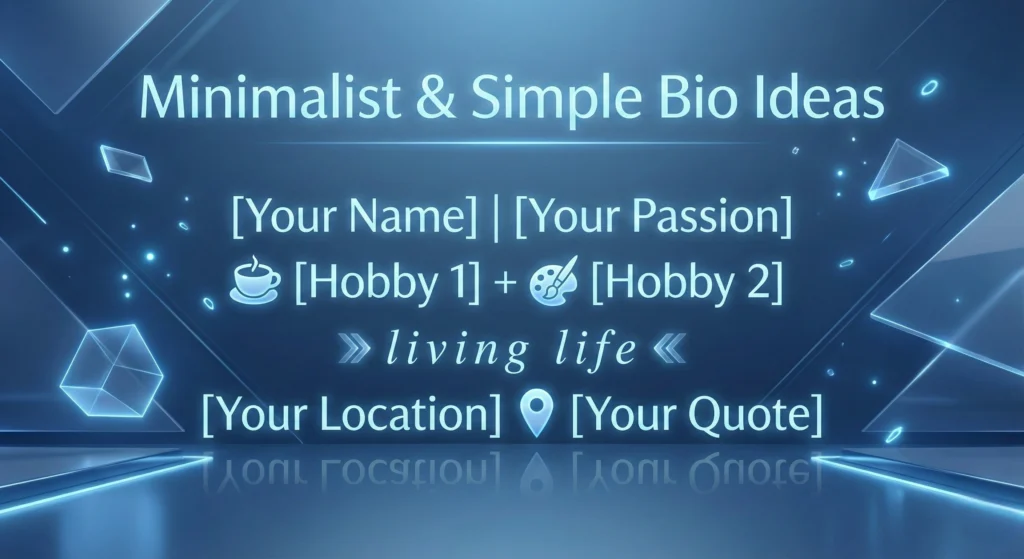
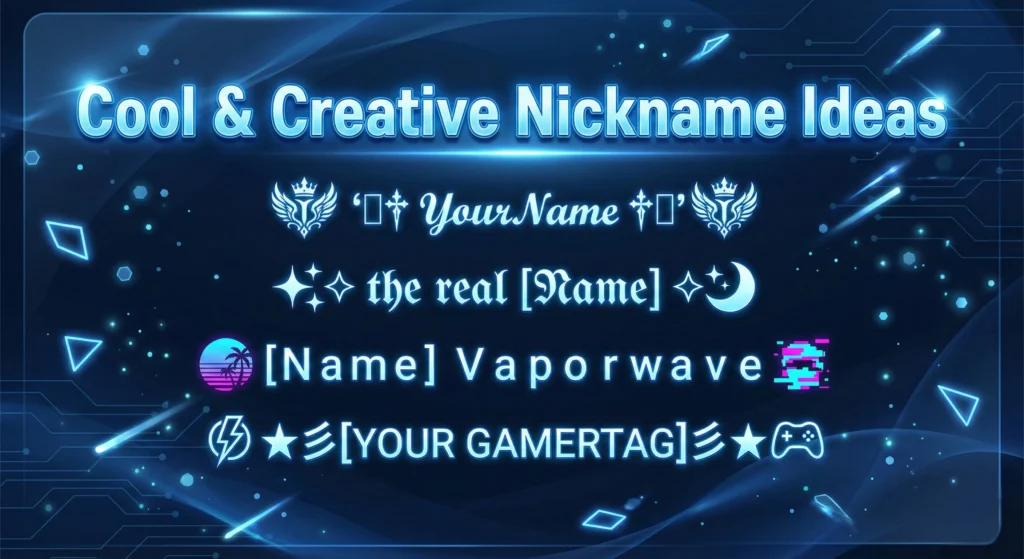
Need some inspiration? You can copy and paste these templates and ideas directly using our font aesthetic tool. Mix and match them with your own text from the generator above!
Minimalist & Simple Bio Ideas
- [Your Name] | [Your Passion]
- ☕ [Hobby 1] + 🎨 [Hobby 2]
- ≫ 𝙡𝙞𝙫𝙞𝙣𝙜 𝙡𝙞𝙛𝙚 ≪
- [Your Location] 📍 [Your Quote]
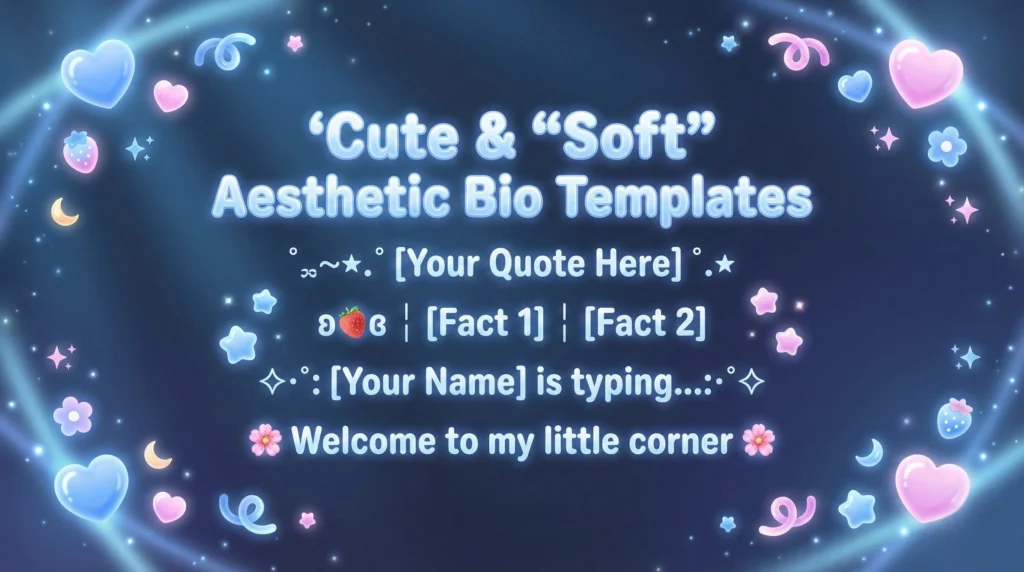
Cute & “Soft” Aesthetic Bio Templates
- ˚ ༘ ೀ⋆.˚ [Your Quote Here] ˚.⋆
- ʚ🍓ɞ ┊ [Fact 1] ┊ [Fact 2]
- ✧・゚: *[Your Name] is typing…*:・゚✧
- 🌸 𝒲𝑒𝓁𝒸𝑜𝓂𝑒 𝓉𝑜 𝓂𝓎 𝓁𝒾𝓉𝓉𝓁𝑒 𝒸𝑜𝓇𝓃𝑒𝓇 🌸
Cool & Creative Nickname Ideas
- ꧁༒ 𝓨𝓸𝓾𝓻𝓝𝓪𝓶𝓮 ༒꧂
- ✧ 𝔱𝔥𝔢 𝔯𝔢𝔞𝔩 [𝓝𝓪𝓶𝓮] ✧
- [Name] Vaporwave
- ★彡[ʏᴏᴜʀ ɢᴀᴍᴇʀᴛᴀɢ]彡★
How to Use an Aesthetic Font Generator
Unlock stylish text for your social media bios, captions, and posts in three simple steps.
Most online aesthetic font generators operate in a simple, similar way—just follow these easy steps.
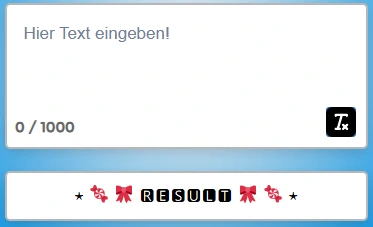
Enter Your Text
- Open our font aesthetic generator tool: Go to the Aesthetic Font Generator website in your browser (mobile or desktop).
- Type Your Text: You will see an empty input box. Type the word or phrase you want to convert into an aesthetic font here.
Choose Your Style
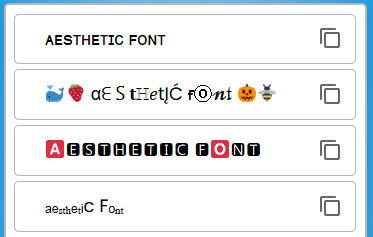
- View Results: The generator will instantly display many different stylish fonts below the input box.
- Select Your Favorite: Scroll through the list and choose the design or style you like the most.
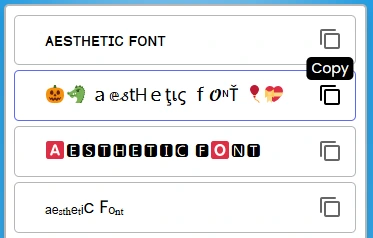
Copy and Paste
Important Note on Compatibility
These fonts are actually **Unicode Characters** (symbols), which is why they display correctly on almost all modern devices and social media platforms, making them extremely versatile.
Top 4 Uses for an Aesthetic Font Generator
A Font Generator is an incredibly versatile tool that can be employed for a wide variety of purposes. Enhance your digital presence with style and flair.
Social Media Posts
Make your posts stand out with unique and aesthetic fonts that instantly grab attention. Using stylized text in your Instagram bio, captions, or stories can make your profile much more engaging and memorable.
Website Design
Utilize creative fonts for your website’s headings, titles, or Call-to-Action (CTA) buttons. This makes your content appealing and helps enhance the overall user experience, making your site look more professional and stylish.
Graphic Design
Add **stylish and expressive text** to your digital artwork, flyers, or posters. Fonts can completely change the **mood and feel** of your design, allowing you to create high-impact visuals.
Personal Branding
Create a **customized bio** using unique fonts that truly reflect your **personality and brand identity**. This helps you establish a distinct and recognizable online presence across different platforms.