
Unlock the Ultimate Font Aesthetic iPhone Experience
Transform your device from standard to stylish. A complete guide to downloading, installing, and styling your iOS interface.
Customizing your iOS interface has gone far beyond simple wallpaper changes; it is now about curating a complete vibe for your device.
Whether you are organizing your digital planner or just want your Instagram stories to pop, finding the right font aesthetic iphone setup can completely transform your device from standard to stylish. In this guide, we will explore how to download and install the best typefaces to match your personality.
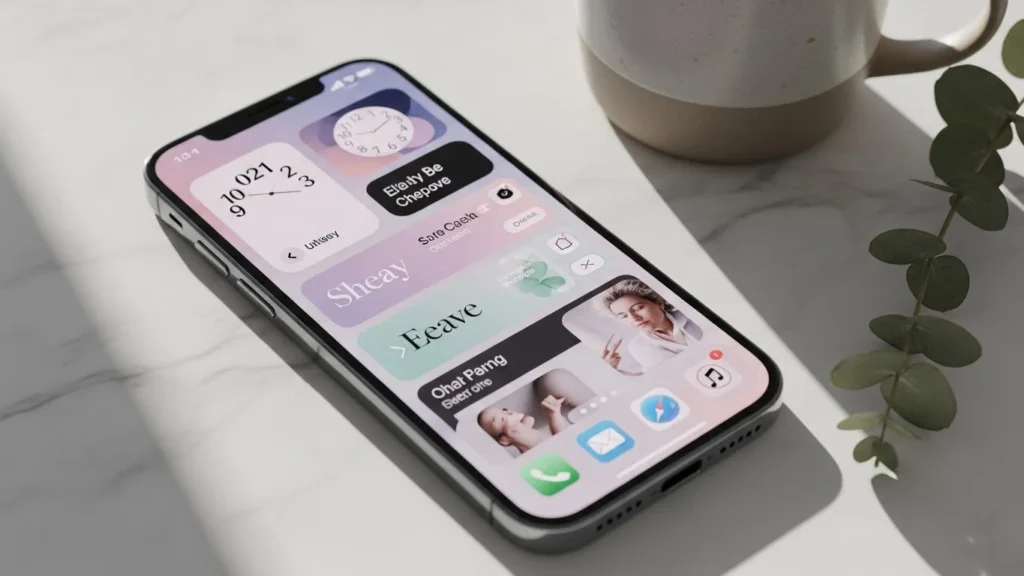
How to Download the Best Font Aesthetic iPhone Styles
If you want to change the look of your text, you generally have two options: third-party keyboard apps or installing configuration profiles. To achieve a cohesive font aesthetic iphone look, you often need a combination of both.
Keyboard Apps for Social Media
For quick changes in your bio or captions, “keyboard” apps are the best download. These apps map special Unicode characters to your standard keys, allowing you to type in cursive, gothic, or bubble letters directly into TikTok or Instagram.
Installing System Fonts
For a deeper customization for apps like Pages or Keynote, you will need to install actual font files (.ttf or .otf).
Quick Install Guide:
- Download a font manager app (like iFont or AnyFont).
- Find a font you love from a free repository (e.g., Google Fonts or DaFont).
- Open the file in the manager and follow the prompts to install the configuration profile in your iPhone settings.
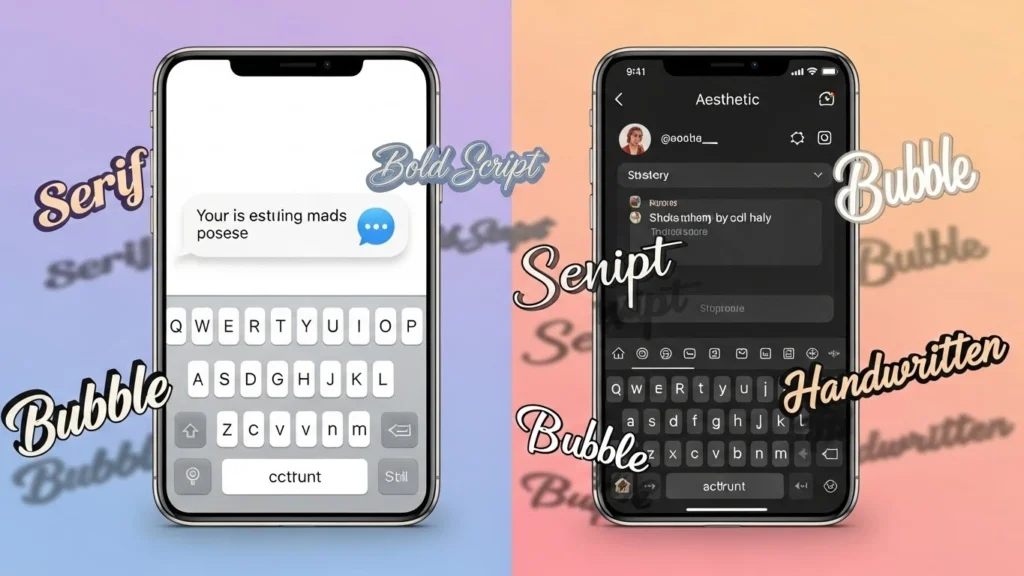
Top Solutions for iPhone X and Newer Models
Whether you are rocking an older iPhone X or the latest model, the desire for a unique aesthetic font is universal.
- System-Wide Compatibility: Most modern font apps work seamlessly across all iOS versions from the iPhone X onwards.
- Aesthetic Widgets: Combine your new fonts with widget tools to create a home screen that matches your text style.
Free Text Fonts for GoodNotes and Digital Planning
One of the most popular uses for custom typography is in digital journaling apps like GoodNotes. If you are a student or a planner enthusiast, using standard system fonts can feel limiting.
By importing free custom fonts, you can make your headers and notes stand out.
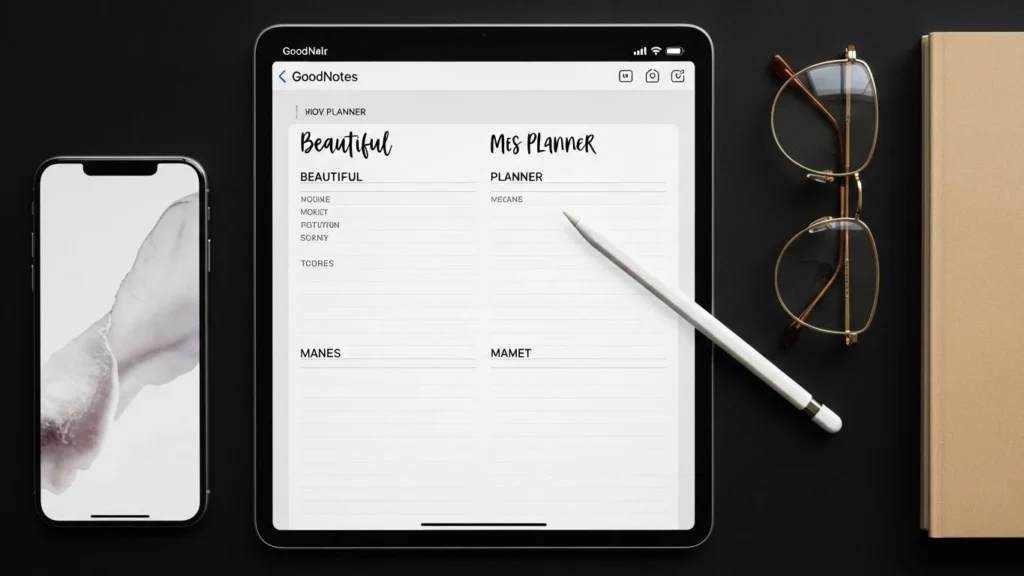
Handwritten Styles
Perfect for giving your digital planner a realistic, notebook feel.
Minimalist Sans-Serif
Ideal for clean, readable notes that still maintain a high-end aesthetic.