
How to Change Font on Instagram Bio: The Ultimate 2026 Guide
With over a billion active users browsing feeds daily, making your social media profile stand out requires more than just a standard bio picture.
Your bio is your digital billboard—it tells visitors exactly who you are, what you do, and why they should hit that follow button. However, the default Instagram typography can sometimes feel a bit restrictive and plain. If you want to break the mold and express your brand’s unique personality, learning how to change font on instagram bio is one of the easiest ways to upgrade your aesthetic.
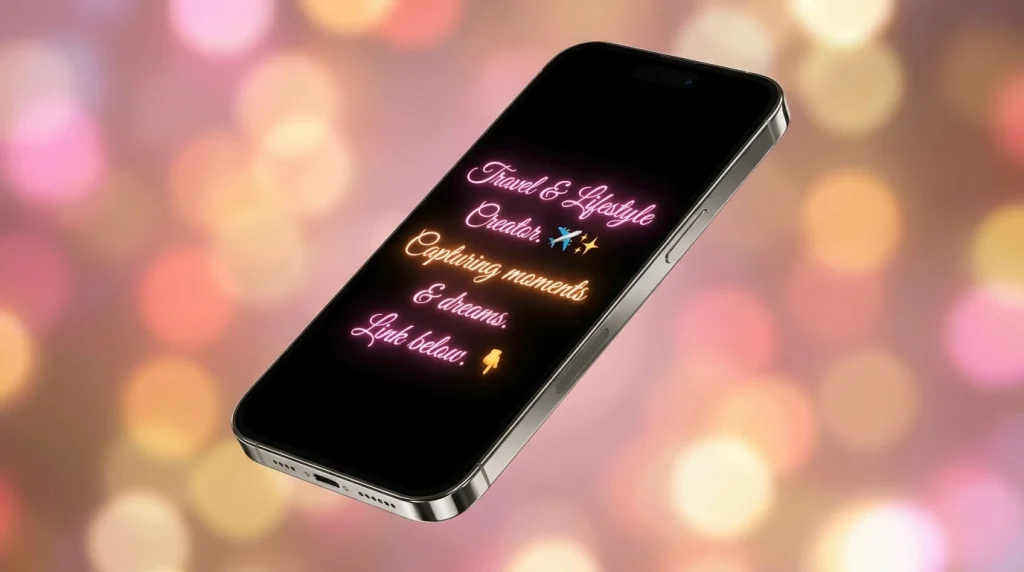
Using custom text styles allows you to create an immediate visual pattern interrupt, catching the eye of anyone landing on your page. Whether you operate a luxury brand, create content for a living, or just want a cleaner minimalist aesthetic, changing up your profile typography gives you a distinct competitive edge. In this comprehensive 2026 guide, we will break down exactly how this process works behind the scenes, provide a foolproof step-by-step tutorial, and share industry best practices to ensure your profile stays readable and professional on all mobile devices.
Why You Should Customize Your Instagram Bio Typography
Instagram does not offer a native drop-down menu to switch typography styles inside the app. Because of this, profiles that feature elegant cursive, bold modern headers, or vintage serif accents immediately look more polished and distinct.
Using unique styles helps separate your brand from the standard look, establishing a clear visual hierarchy. You can draw immediate attention to your name, highlight a compelling call-to-action (CTA), or emphasize a special promotion line. When done right, strategic typography reinforces your brand identity and makes your text feel organized and engaging.

The Technical Secret: How Custom Fonts Actually Work
You might wonder how it is possible to display custom typography on a platform that does not officially support it. The secret lies in a universal system called Unicode.
When you use an online tool to change font on instagram bio, the tool is not installing a new font aesthetics file (.ttf or .otf) into the application. Instead, it translates your standard keyboard letters into specific, stylized Unicode characters and mathematical symbols. Because these unique symbols are built into the global web standard, Instagram recognizes them natively. This ensures that when you copy and paste your stylized text, it renders perfectly for your followers across iOS, Android, and desktop browsers without requiring any special software.
Step-by-Step: How to Change Font on Instagram Bio
Copy or Type Your Bio Text
Open the Instagram app, navigate to your profile page, and tap Edit Profile. Copy the existing text you wish to stylize.
Choose a Reliable Font Generator
Open your mobile browser and navigate to a trusted, free online Unicode font generator.
Input and Convert
Paste your bio text into the box. The tool will instantly convert your words into dozens of unique variations.
Select and Copy Favourite
Scroll through and click the Copy button next to your chosen style (Cursive, Bold, etc.).
Paste and Save
Return to Instagram, paste in the Bio field, and hit save!
Formatting Ideas for Different Niches
Style Aesthetic | Visual Vibe | Best For Niche |
𝐐𝐮𝐢𝐫𝐤𝐲 𝐁𝐨𝐥𝐝 | Strong, eye-catching | Fashion, Beauty |
𝖬𝗂𝗇𝗂𝗆𝖺𝗅𝗂𝗌𝗍 𝖲𝖺𝗇𝗌 | Clean, streamlined | Tech, Blogs |
𝓔𝓵𝓮𝓰𝓪𝓷𝓽 𝓒𝓾𝓻𝓼𝓲𝓿𝓮 | Creative, personal | Photography, Lifestyle |